Compiling ffmpeg with hardware acceleration
Server packages required (removed client replay and x11grb dependencies)

sudo apt-get update -qq && sudo apt-get -y install \
  autoconf \
  automake \
  build-essential \
  cmake \
  git-core \
  libass-dev \
  libfreetype6-dev \
  libgnutls28-dev \
  libtool \
  libvorbis-dev \
  pkg-config \
  texinfo \
  wget \
  yasm \
 libunistring-dev \
 libfdk-aac-dev \
 libmp3lame-dev\
 libvpx-dev\
libx265-dev\lLibnuma-dev\
libx264-dev \
nasm \
libopus-dev\
nvidia-cuda-toolkit\
  zlib1g-dev


First working version (removed AV1)
cd ~/ffmpeg_sources && wget -O ffmpeg-snapshot.tar.bz2 https://ffmpeg.org/releases/ffmpeg-snapshot.tar.bz2 && tar xjvf ffmpeg-snapshot.tar.bz2 && cd ffmpeg && PATH="$HOME/bin:$PATH" PKG_CONFIG_PATH="$HOME/ffmpeg_build/lib/pkgconfig" ./configure --prefix="$HOME/ffmpeg_build" --pkg-config-flags="--static" --extra-cflags="-I$HOME/ffmpeg_build/include" --extra-ldflags="-L$HOME/ffmpeg_build/lib" --extra-libs="-lpthread -lm" --bindir="$HOME/bin" --enable-gpl --enable-gnutls --enable-libass --enable-libfdk-aac --enable-libfreetype --enable-libmp3lame --enable-libopus --enable-libvorbis --enable-libvpx --enable-libx264 --enable-libx265 --disable-libaom --enable-nonfree && PATH="$HOME/bin:$PATH" make && make install && hash -r
First Attempt at nvenc
git clone https://git.videolan.org/git/ffmpeg/nv-codec-headers.git
cd nv-codec-headers
make
sudo make install
- ffmpeg configured with --enable-nvenc (default if the drivers are detected while configuring)


Even after this ffmpeg failed to use because nvidia drivers need to be versos > 440
Had to use buster-backports in source.lst


Failed again with cuda error
Discovered there is no /usr/local/cuda

Following guide from nvidia site

Add-apt-repository is a not a command
Following .run instructiosn


Finally worked
Nvidia-smi worked after I check primary gpu in Proxmox
Ffmpeg worked right after


Full nvdecode and nvenc transcode


ffmpeg -hwaccel cuda -hwaccel_output_format cuda -i input -c:v h264_nvenc -preset slow out.mp4


ffmpeg -hwaccel cuda -hwaccel_output_format cuda -i letsplay.mp4  -c:v hevc_nvenc -preset slow -cq 32  -c:a aac -b:a 128k -tag:v hvc1 -y lets-layout.mp4


Appears 100x faster than libx265 software only encoder speed=5-10x vs speed=0.074x (single core)
Bitrate was around 1Kb/s
 Alain M. Lafon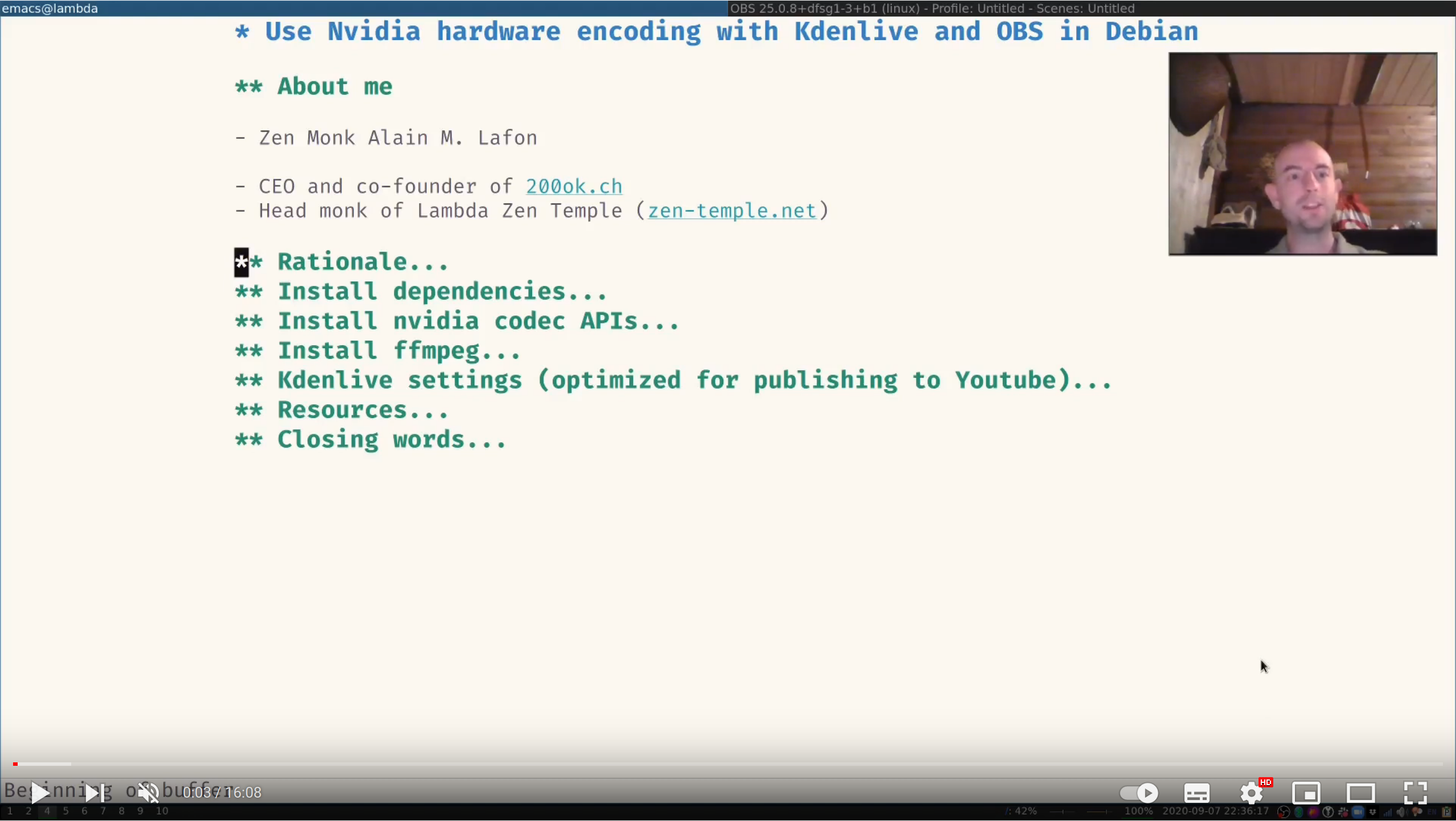
ffmpeg.exe -i ".\video.mkv" -c:v hevc_nvenc -preset hq -profile:v main10 -tier high -rc constqp -rc-lookahead 40 -no-scenecut 1 -init_qpP 23 -init_qpB 25 -init_qpI 21 -weighted_pred 1 -c:a aac -b:a 320k -ac 2 -tag:v hvc1 ".\video_encoded.mkv”
https://www.reddit.com/r/pcgaming/comments/6vdmv6/guide_hardware_accelerated_h265hevc_encoding_for/


https://trac.ffmpeg.org/wiki/Encode/VP9
 Zedd W