WinRM and windows images
How to setup WinRM
In autounattend.xml
<settings pass="auditUser">
<component name="Microsoft-Windows-Deployment" processorArchitecture="amd64" publicKeyToken="31bf3856ad364e35" language="neutral" versionScope="nonSxS"
xmlns:wcm="http://schemas.microsoft.com/WMIConfig/2002/State"
xmlns:xsi="http://www.w3.org/2001/XMLSchema-instance">
<RunSynchronous>
<RunSynchronousCommand wcm:action="add">
<Description>Copy Files...</Description>
<Path>powershell.exe -noprofile -command "move-item -Path c:\windows\temp\* -Destination $env:temp -ea SilentlyContinue;exit(0)"</Path>
<Order>1</Order>
</RunSynchronousCommand>
<RunSynchronousCommand wcm:action="add">
<Order>8</Order>
<Path>powershell.exe -noprofile -File c:\windows\setup\scripts\pokadot\ansible.ps1</Path>
<WillReboot>Never</WillReboot>
<Description>Enable Winrm for ansible</Description>
</RunSynchronousCommand>
```
To test if winrm is listening
winrs -r:https://192.168.19.101:5986/wsman ipconfig

This command will fail since we don’t provide credentials but the error message will indicate a connection is possible
Using Packer to create Windows images
As part of my role as a developer for Ansible on everything Windows, I have a need to test my code on a wide variety of Windows and PowerShell versions. I ended up having a setup of the following t…
 packer-templates
ansible_user: LocalUsername
ansible_password: Password
ansible_connection: winrm
ansible_winrm_transport: basic
Winrm only allows admins to execute sessions
Run this in admin powershell
Set-PSSessionConfiguration Microsoft.PowerShell -ShowSecurityDescriptorUI
Add cupcake user
Used common winrm issues from another computer to debug
https://docs.ansible.com/ansible/devel/user_guide/windows_setup.html#common-winrm-issues
Robocop winrm setup
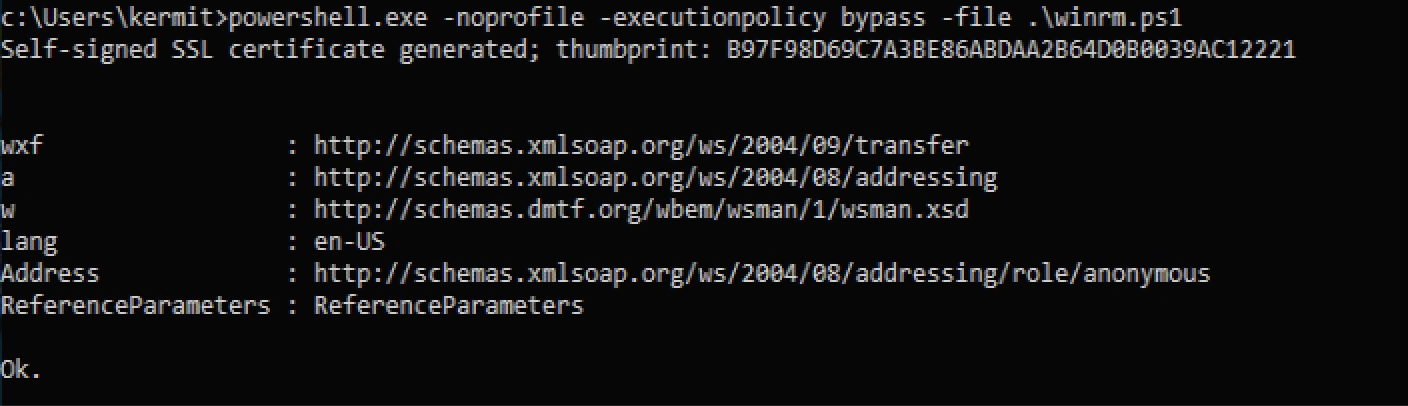
Right after running this I have basic auth over https and can do this from ansible host
Inventory
[laptops]
robocop #192.168.19.219
[laptops:vars]
ansible_user="kermit"
ansible_password=<kermit’s password>
ansible_connection=winrm
ansible_winrm_server_cert_validation=ignore
ansible laptops -i inventory --ask-vault-pass -m win_ping
Vault password:
robocop | SUCCESS => {
"changed": false,
"ping": "pong"
}
Admin Powershell
$url = "https://raw.githubusercontent.com/ansible/ansible/devel/examples/scripts/ConfigureRemotingForAnsible.ps1"
$file = "$env:temp\ConfigureRemotingForAnsible.ps1"
(New-Object -TypeName System.Net.WebClient).DownloadFile($url, $file)
powershell.exe -ExecutionPolicy ByPass -File $file -Verbose
(This adds Allow WinRM https access port 8296) 8295 http is blocked